How to Create an Account on epd.punjab.gov.pk Climate Internship Portal 2026

The Chief Minister of Punjab has officially launched Phase-II (Batch-II) of the CM Punjab Climate Leadership Development Internship Program 2026. Managed by the Environment Protection & Climate Change Department (EPCCD), this highly sought-after program provides young graduates with a unique opportunity to gain government experience while receiving a generous monthly stipend of Rs. 60,000.
To participate in this 3-month environmental initiative, every applicant must first register an account on the official portal. This step-by-step guide walks you through how to successfully create and activate your account on the portal before the closing deadline.
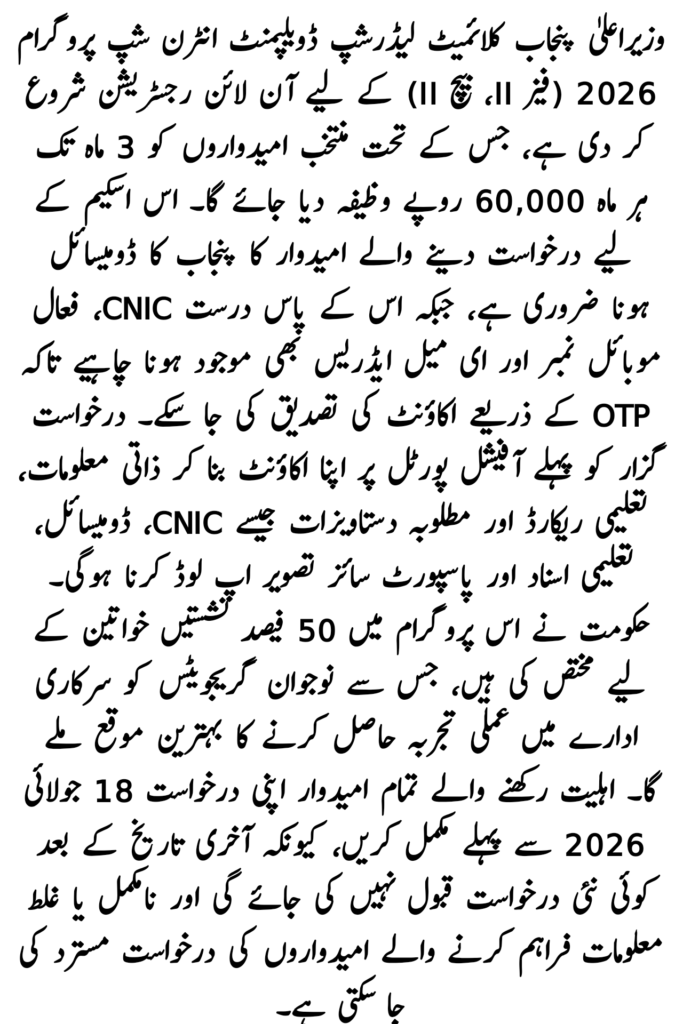
Climate Internship Program (Phase-II, Batch-II)
| Feature | Details |
| Program Name | CM Punjab Climate Leadership Development Internship |
| Department | Environment Protection & Climate Change Department, Punjab |
| Monthly Stipend | Rs. 60,000 per month (Totaling Rs. 180,000 across 3 months) |
| Program Duration | 3 Months |
| Last Date to Apply | 18 July 2026 |
| Gender Allocation | 50% of all seats are reserved for female applicants |
| Official Link | epd.punjab.gov.pk/Climateinternship |
Prerequisites: What You Need Before Registering
To ensure a smooth, error-free registration process, make sure you have the following information and documents ready:
- Valid CNIC: Your original CNIC number issued by NADRA.
- Active Email Address: Essential for receiving the account verification OTP code.
- Active Mobile Number: Required for system authentication and future contact.
- Domicile Status: Must be a permanent resident of Punjab with a valid domicile certificate.
How to Create an Account on epd.punjab.gov.pk Climate Internship
The entire process runs online. Follow these procedural steps carefully, keeping in mind that one CNIC can only be registered to a single account. Duplicate or fraudulent entries will result in automatic system rejection.
1.Access the Official Webpage:Open your web browser and navigate directly to the dedicated portal: epd.punjab.gov.pk/Climateinternship. Avoid inputting your credentials on unofficial third-party platforms.
2.Navigate to the Registration Screen:
Locate and click on the “Intern Login” or “Register / Sign Up” option intended for new applicants on the landing page interface.
3.Provide Accurate Identity Details:
Fill out the registration form precisely as it appears on your official identity documents:
- Full Name (matching your CNIC)
- CNIC Number (entered smoothly without dashes)
- Date of Birth (DOB) and Gender
- Domicile District and Residential Address
- Active Mobile Number and Working Email Address
4.Verify via Email OTP:
After submitting the form, a secure One-Time Password (OTP) will be dispatched to your provided email address. Check your inbox (including your spam/junk folder), retrieve the code, and enter it into the system to Activate your profile.
5.Log In to Complete Your Profile:
Once verified, sign back into the portal using your registered Email and newly established Password. Proceed to complete your academic records section, upload your scanned supporting documents (CNIC, Domicile, Transcripts, and a passport-sized photograph), and submit before the portal closes.
Vital Guidelines for Applicants
⚠️ Account Recovery: If you lose access to your registration password, utilize the “Forgot Password” link prominently placed on the main login screen. A password reset instruction link will be safely delivered back to your verified email address.
⚠️ Technical Assistance: For systemic errors, portal latency issues, or unexpected technical difficulties encountered during the sign-up phase, dial the official Punjab Government helpline immediately at 1373.
Make sure all entered academic data matches your verified transcripts exactly. The registration portal will officially stop accepting new profiles on 18 July 2026.