How To Apply For Child B-Form in Pakistan 2026
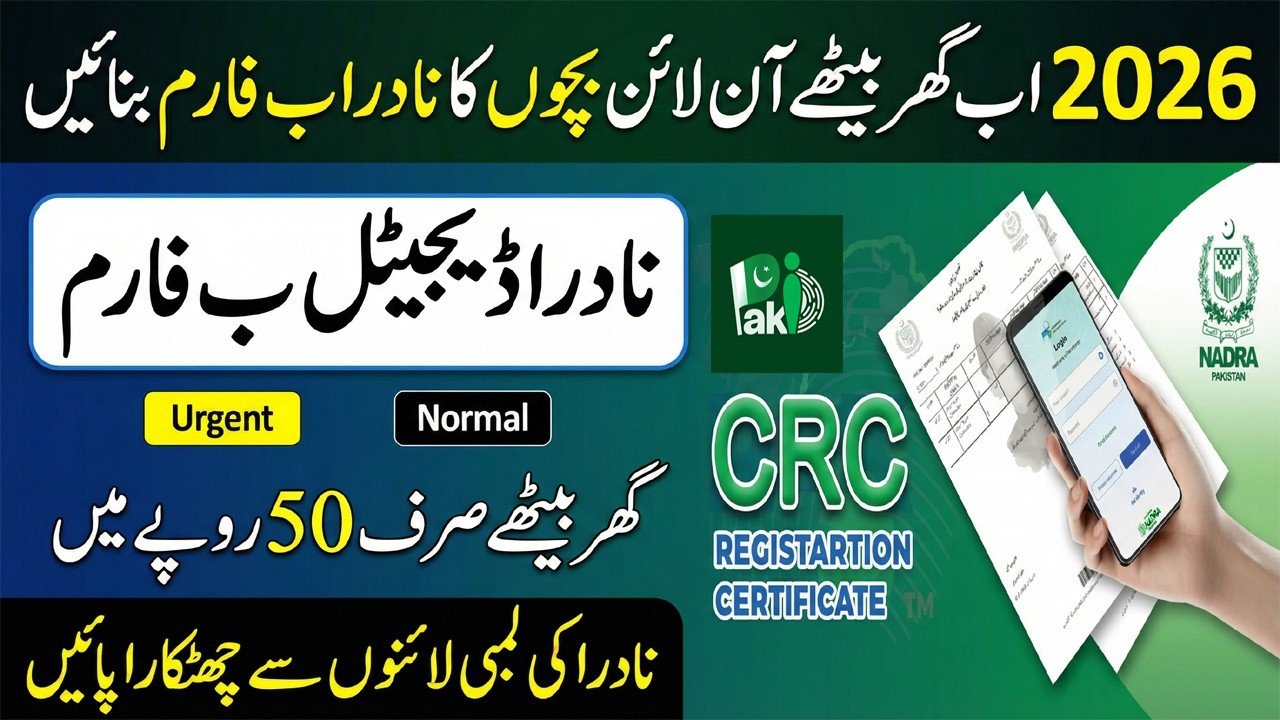
Getting a Child Registration Certificate (CRC), also known as the B-Form, is an essential step for every parent in Pakistan. The B-Form serves as the official identity document for children under 18. Without it, children cannot enroll in schools, get a passport, or open minor bank accounts. In 2026, NADRA has digitalized the process, making it easier for parents to apply from home. Following the correct steps ensures a smooth application and avoids delays at government offices.
| Step Number | Action Required |
|---|---|
| 1 | Obtain a Computerized Birth Certificate from Union Council |
| 2 | Download the NADRA Pak-ID Mobile App |
| 3 | Create and verify your account using CNIC |
| 4 | Select “Family Registration” or “CRC” option |
| 5 | Upload required documents like Birth Certificate |
| 6 | Capture child’s photo and parent’s fingerprints |
| 7 | Pay processing fee via Credit/Debit card |
| 8 | Track application status online for delivery |
Importance of the Child B-Form in Pakistan
The B-Form is more than a simple document; it is the legal proof of a child’s identity and parentage. It links the child’s record with parents’ CNICs in the national database. Having an updated B-Form ensures family records are correct, which is important for legal matters and inheritance.
- Mandatory for admission in all schools, both private and government
- Required for applying for a child’s passport for international travel
- Acts as a base document when applying for CNIC at 18 years
- Needed for vaccination programs and government health schemes
- Confirms the official date of birth and protects the child’s rights
Required Documents for Online B-Form Application
To apply online successfully, parents must have all necessary documents ready. The main document is the Computerized Birth Certificate from the local Union Council. Manual certificates need to be converted to computerized form first.
- Scanned copy or clear photo of the Computerized Birth Certificate
- CNICs of both parents
- Presence of at least one parent for biometric verification
- Recent digital photo of the child with plain background
- Active mobile phone number and email for updates
- Valid payment method (bank card or mobile wallet like EasyPaisa/JazzCash)
Step-by-Step Online Application Process
The Pak-ID Mobile App is the official platform for applying for a B-Form online. It is easy to use and allows scanning of documents and capturing fingerprints through a smartphone.
- Register your account using CNIC and verified phone number
- Navigate to “New Application” and select “CRC”
- Enter child’s full name, gender, and date of birth exactly as on the birth certificate
- Scan the child’s photo for official records
- Use the biometric feature to submit fingerprints as a parent
- Review all information before submitting to avoid errors
Fee Structure and Processing Time
Knowing the fee and expected delivery time helps parents plan the application. NADRA provides different categories based on urgency. For the latest fee structure, visit the official NADRA website.
- Normal Category: 50 PKR, processed in 7–10 working days
- Executive Category: 500 PKR, processed in 1–2 working days
- Fees can be paid directly via the Pak-ID App using bank card or mobile banking
- Delivery is made to the registered home address via courier
- SMS notifications are sent at every stage, from “Application Received” to “Printed”
Common Mistakes to Avoid During B-Form Application
Errors in application can delay processing. Avoiding these mistakes ensures approval on the first submission.
- Always use the child’s full legal name, not nicknames
- Ensure the child’s photo is clear and the child faces the camera
- Parent CNIC must be valid; expired CNICs will cause rejection
- Provide correct mobile number for receiving tracking updates
- Upload clear and legible birth certificates, avoid blurry images
- Double-check spelling of both parents’ names before submission
Conclusion
Applying for a Child B-Form in Pakistan is now easy and convenient thanks to the Pak-ID Mobile App. With a Computerized Birth Certificate and verified parent CNIC, you can complete the application from home. Choosing the correct processing category and keeping a digital copy ensures a hassle-free experience. A properly maintained B-Form is crucial for education, travel, and future identity verification for your child.
FAQs:
Q1: Can a mother apply for a B-Form if the father is abroad?
Yes, the mother can apply using her biometric verification if the father’s CNIC is valid in NADRA’s database.
Q2: What is the age limit for a B-Form?
The B-Form is issued for children from birth up to 18 years. After 18, they must apply for a CNIC.
Q3: Can I change the child’s name on a B-Form online?
No, for name changes or corrections, you must visit a NADRA Registration Center with supporting documents.
Q4: Is the B-Form the same as a Juvenile Card?
No, the B-Form is a printed certificate, while the Juvenile Card is a smart card similar to CNIC for minors.